Installation
Through Dashboard
- Log in to the WordPress Dashboard.
- Go to Appearance -> Themes.
- Click on Add New Theme.
- Click on Upload Theme button.
- Click on Choose File button and select pin-government.zip then click on Install Now button and wait for the install to complete.
- After the theme installed successfully, click on Activate button.
Manual Installation using FTP
- Unzip pin-government.zip to your Desktop.
- Use an FTP client to access your host web server. Go to /wp-content/themes/
- Upload theme to /wp-content/themes/.
- Go to Appearance -> Themes and activate theme from Dashboard.
After Activate Theme
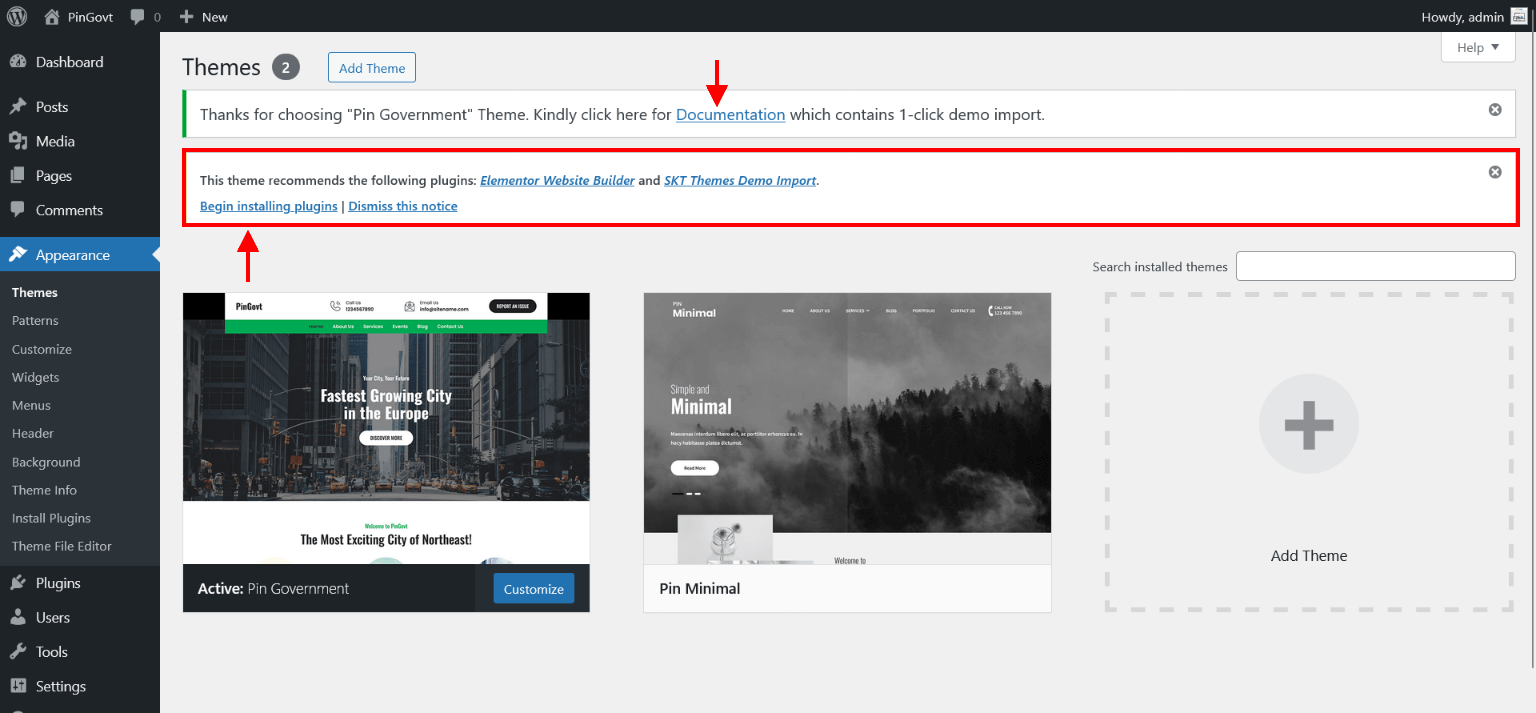
- After activate theme there is comes two popup message one for Documentation and second one for install recommended plugin.
- Click on Begin installing plugin and installed and activate both plugin Elementor Website Builder and SKT Themes Demo Import plugin.
Import Theme Demo Content
Steps for 1-click demo import
- After Activate "SKT Themes Demo Import" and "Elementor Website Builder" plugin download "Pin Government Theme Demo Content". Click here to Download Free Theme Demo Content.
- After download extract "pin-government-import.zip" folder.
- pin-minimal-import folder contains three files.
pin-government-data-cotent.xml
pin-government-data-widget.wie
pin-government-data-customizer.dat
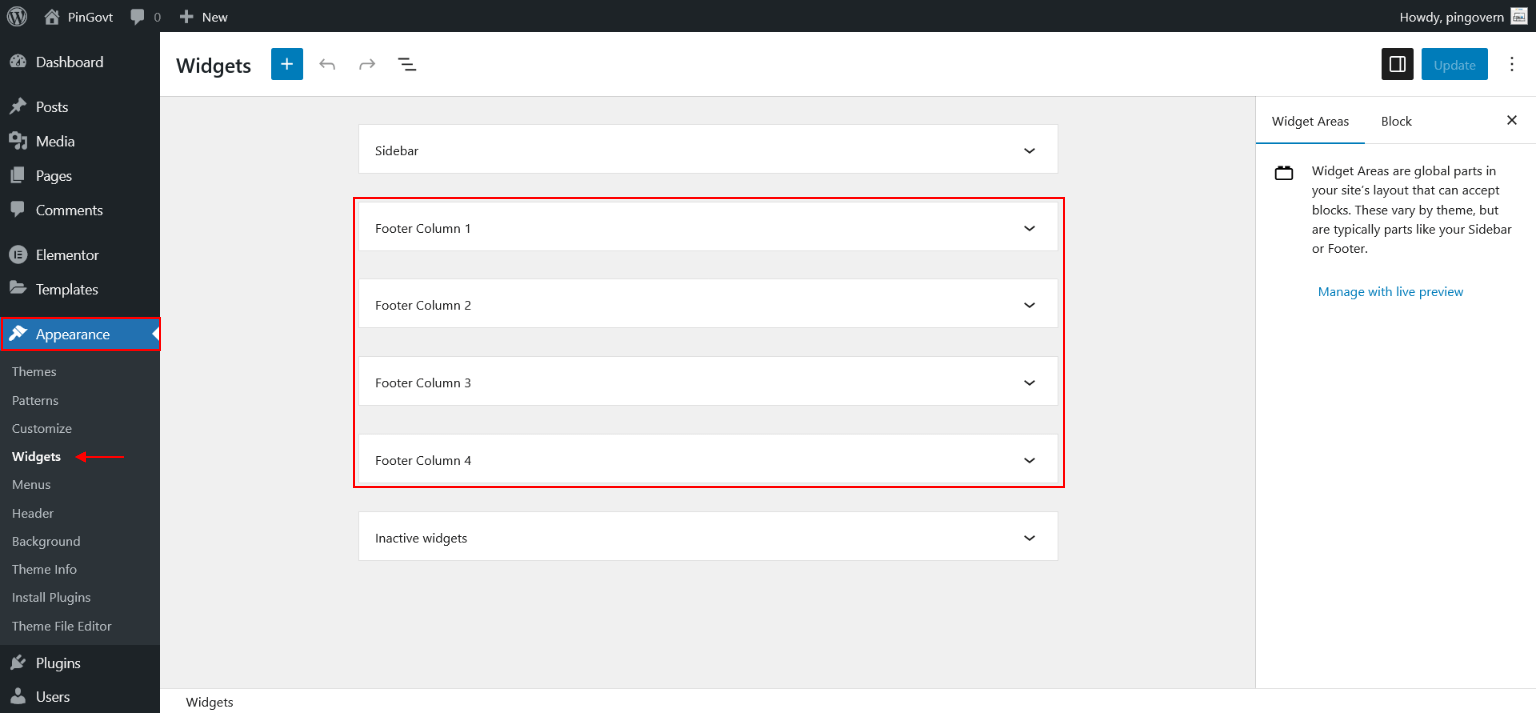
- After extract folder going to "Appearance >> SKT Import Content" and upload file in given location. check below screen for your help.
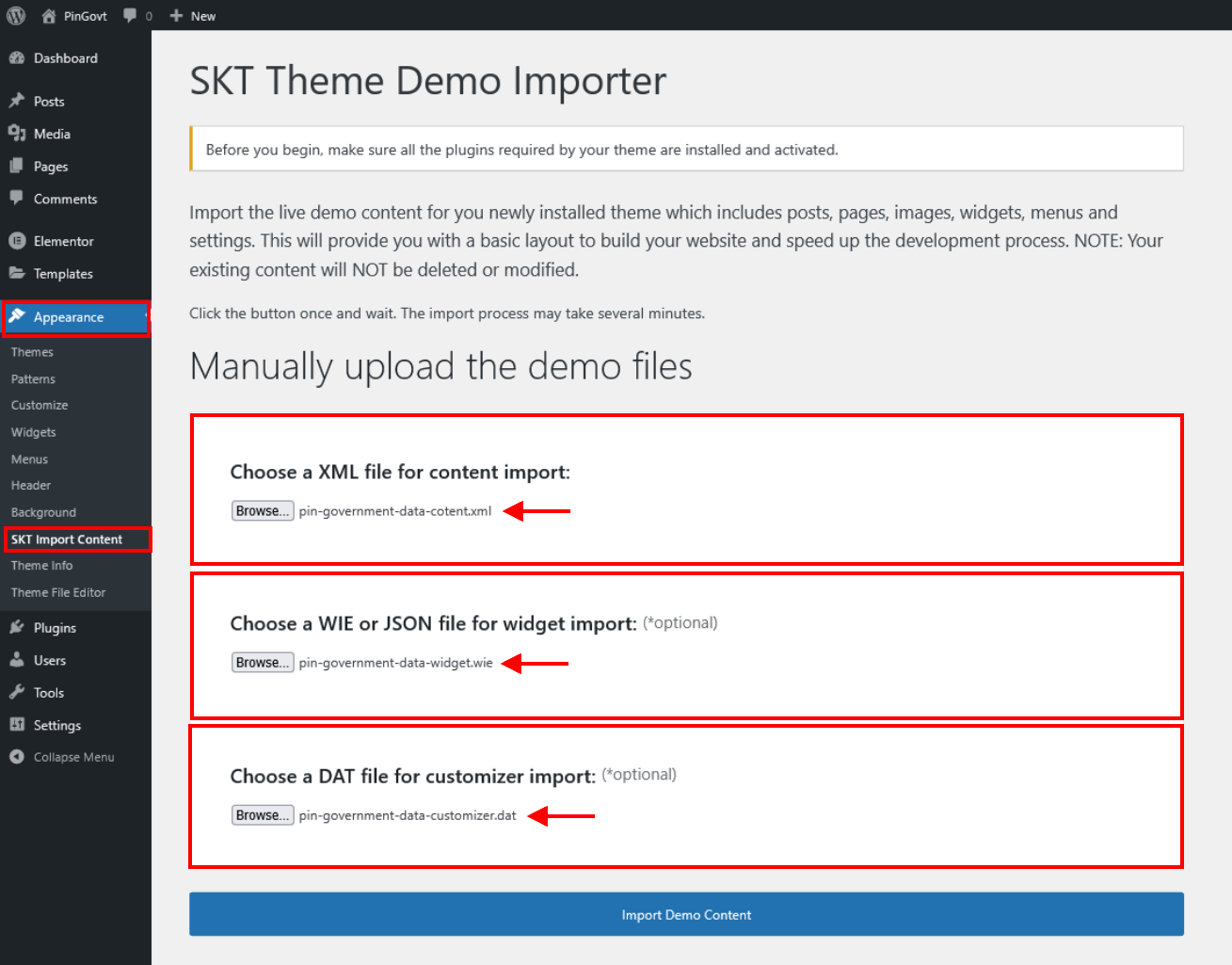
- After upload all three files in describe location click "Import Demo Content" button.
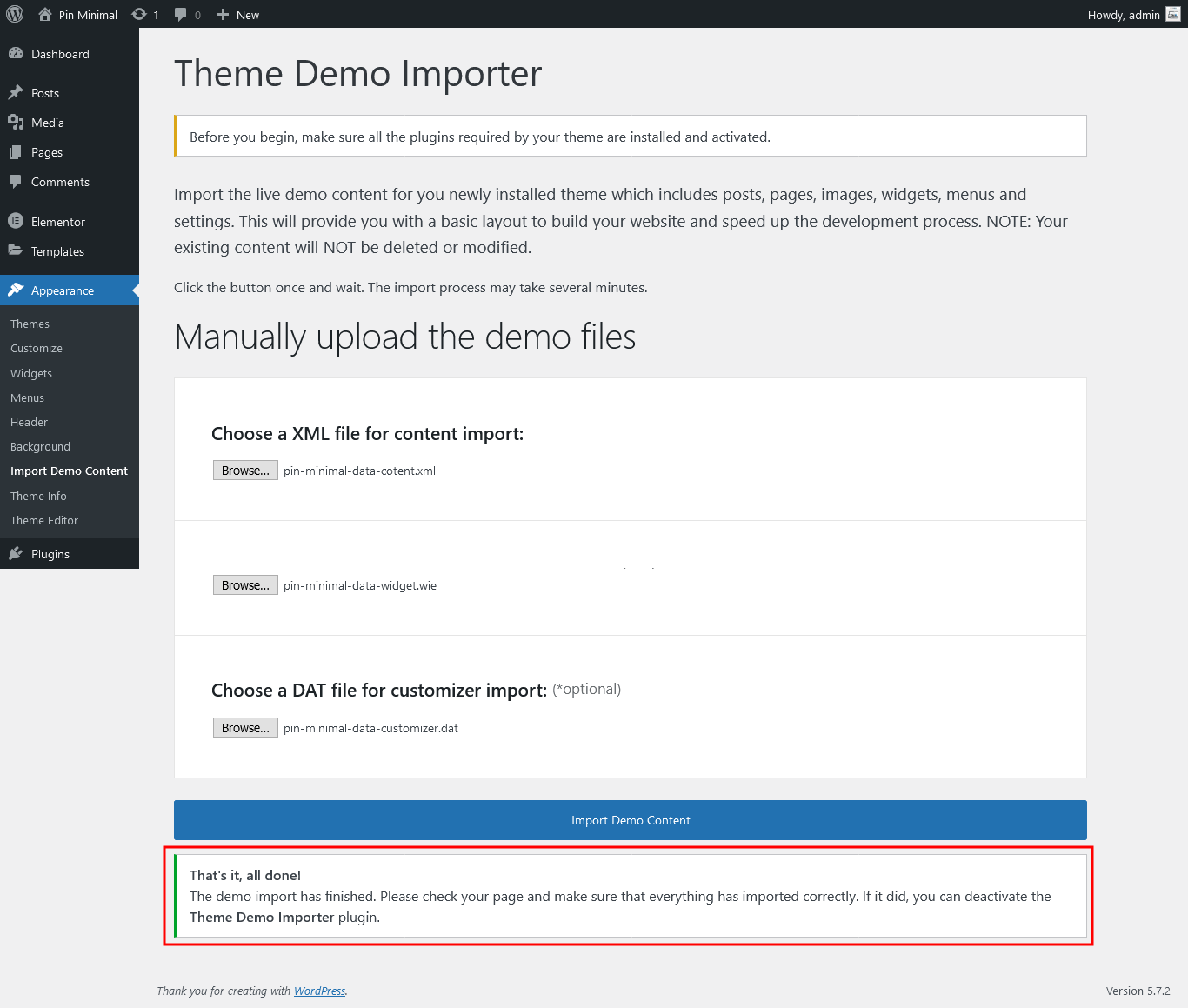
- After click import demo content button wait few minutes. after successfully import you have got below screen.
- Now going to "Settings >> Reading" and select static page: Homepage - Home and Post page: Blog and click on "Save Changes" Button.

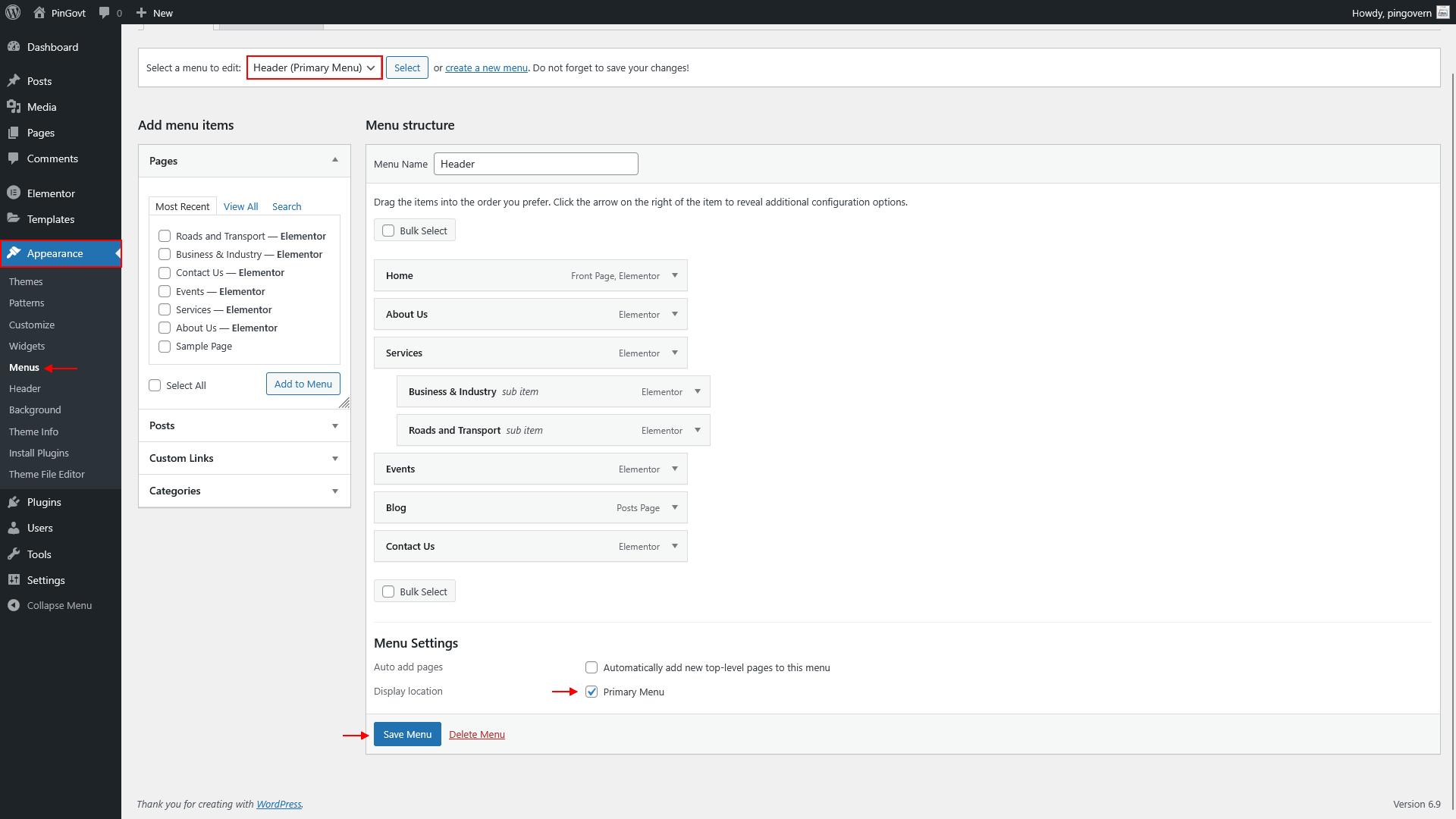
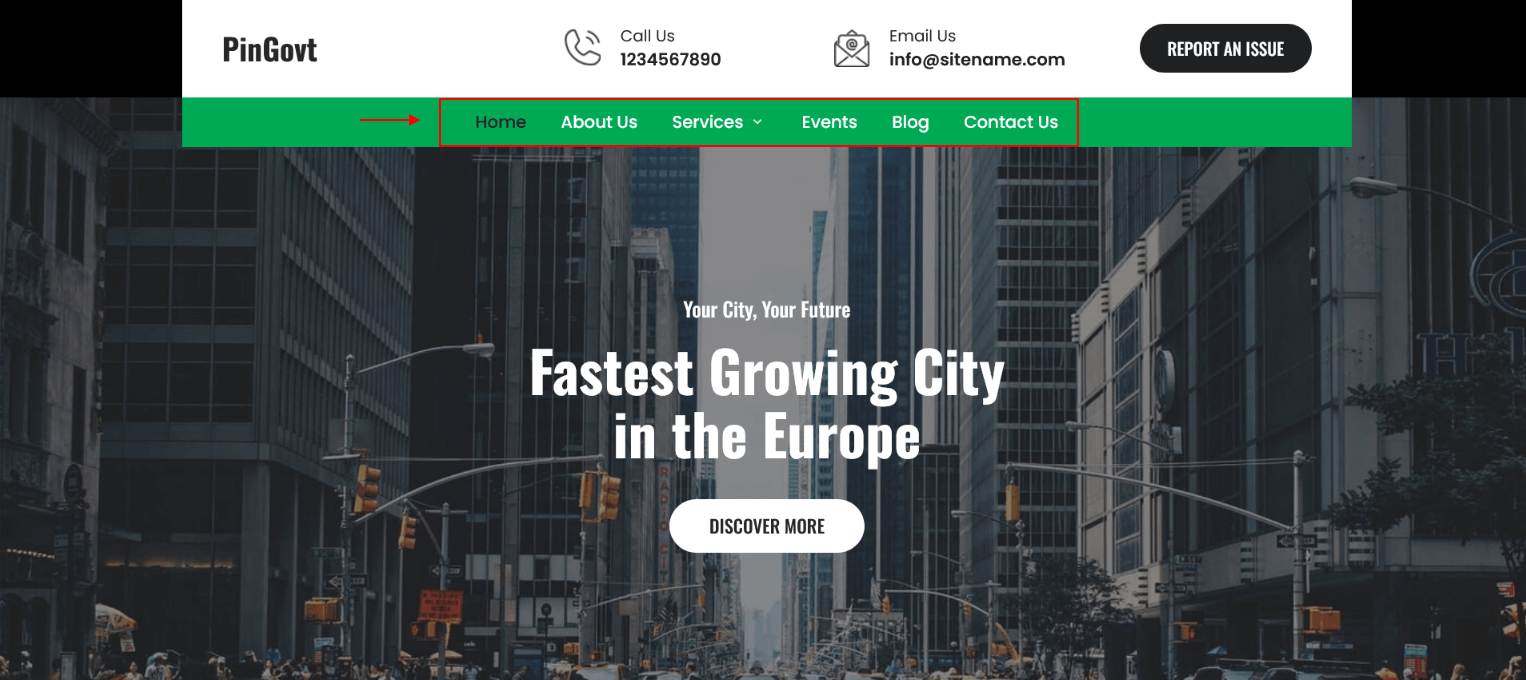
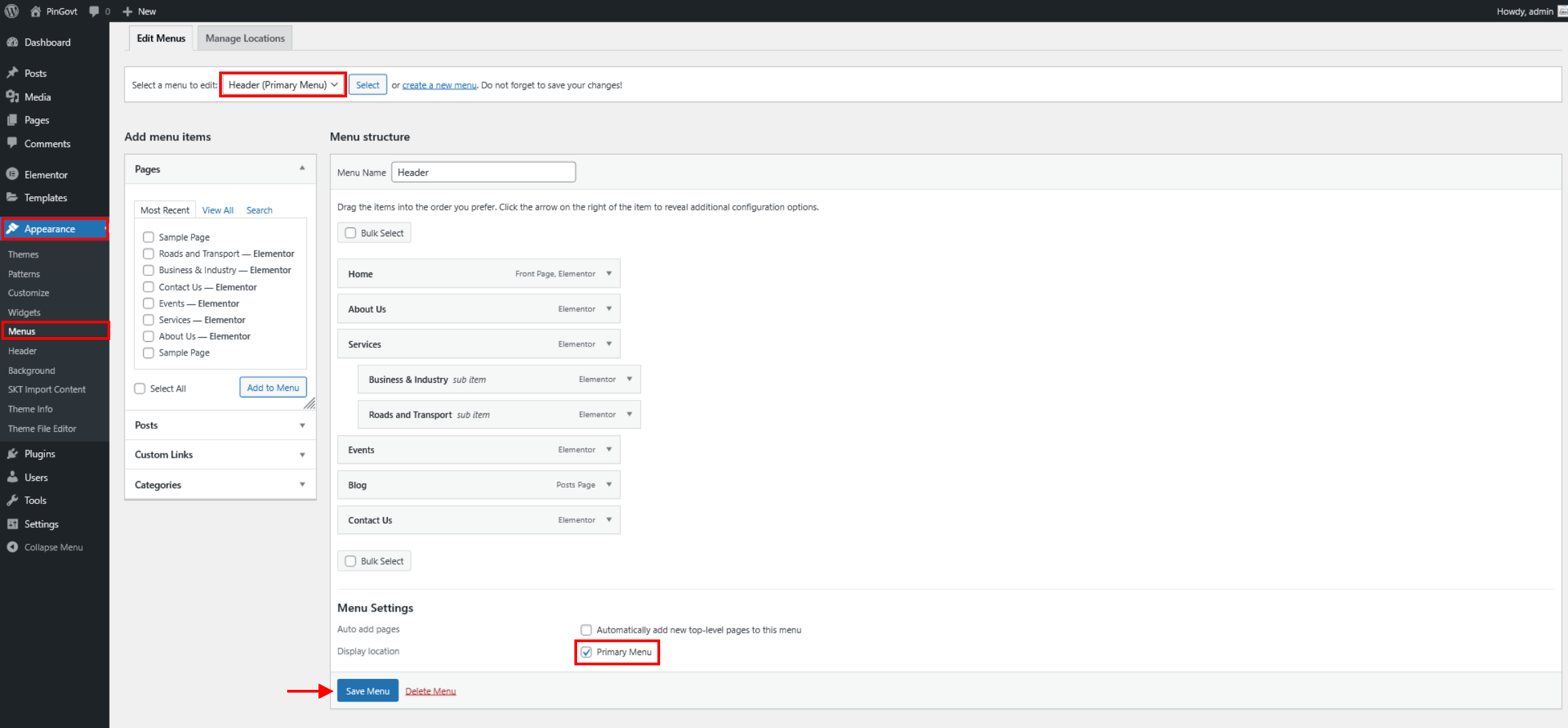
- For setting "Header" menu goint to "Appearance >> Menus" and select "Header" from menu dropdown lists and set it "Primary Menu"
- That's All Done.
Customizer Option
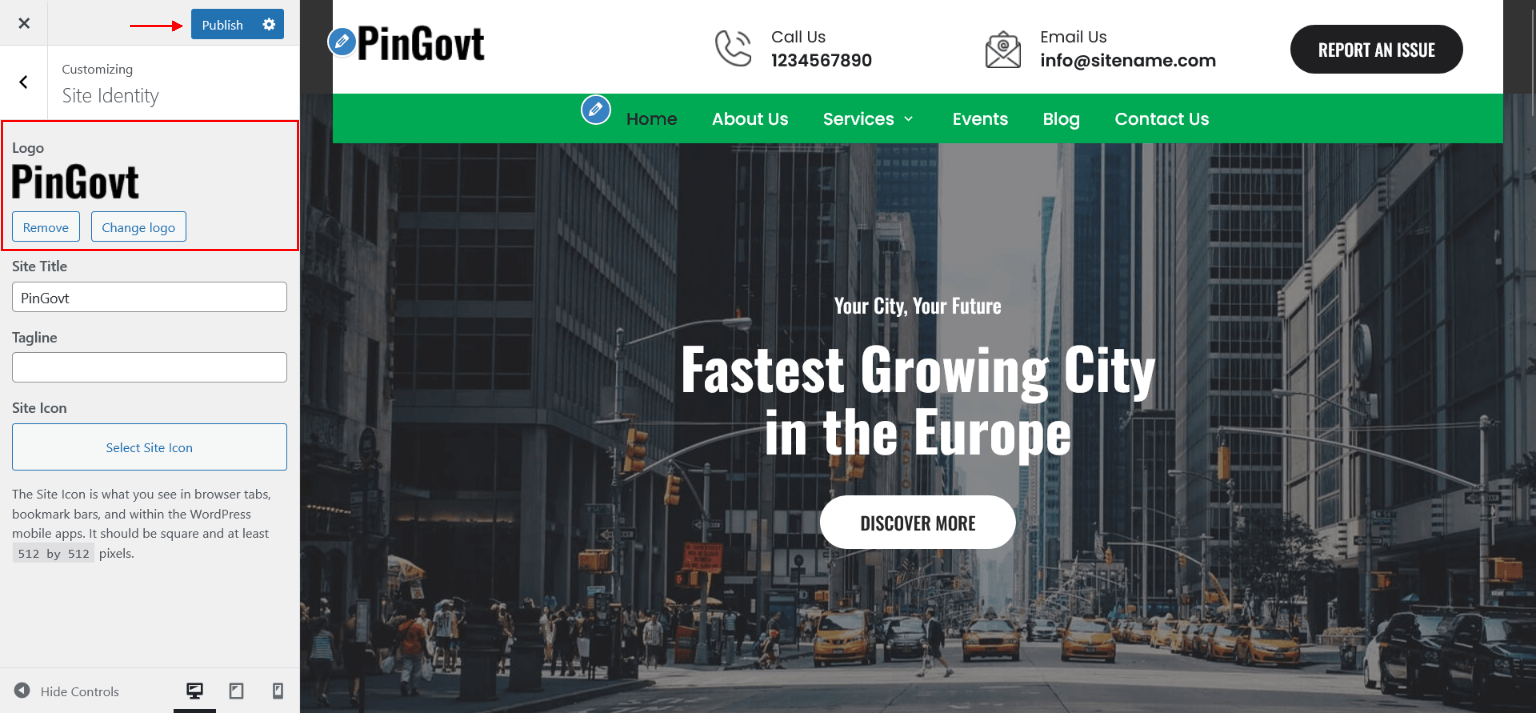
Setting Logo In Header
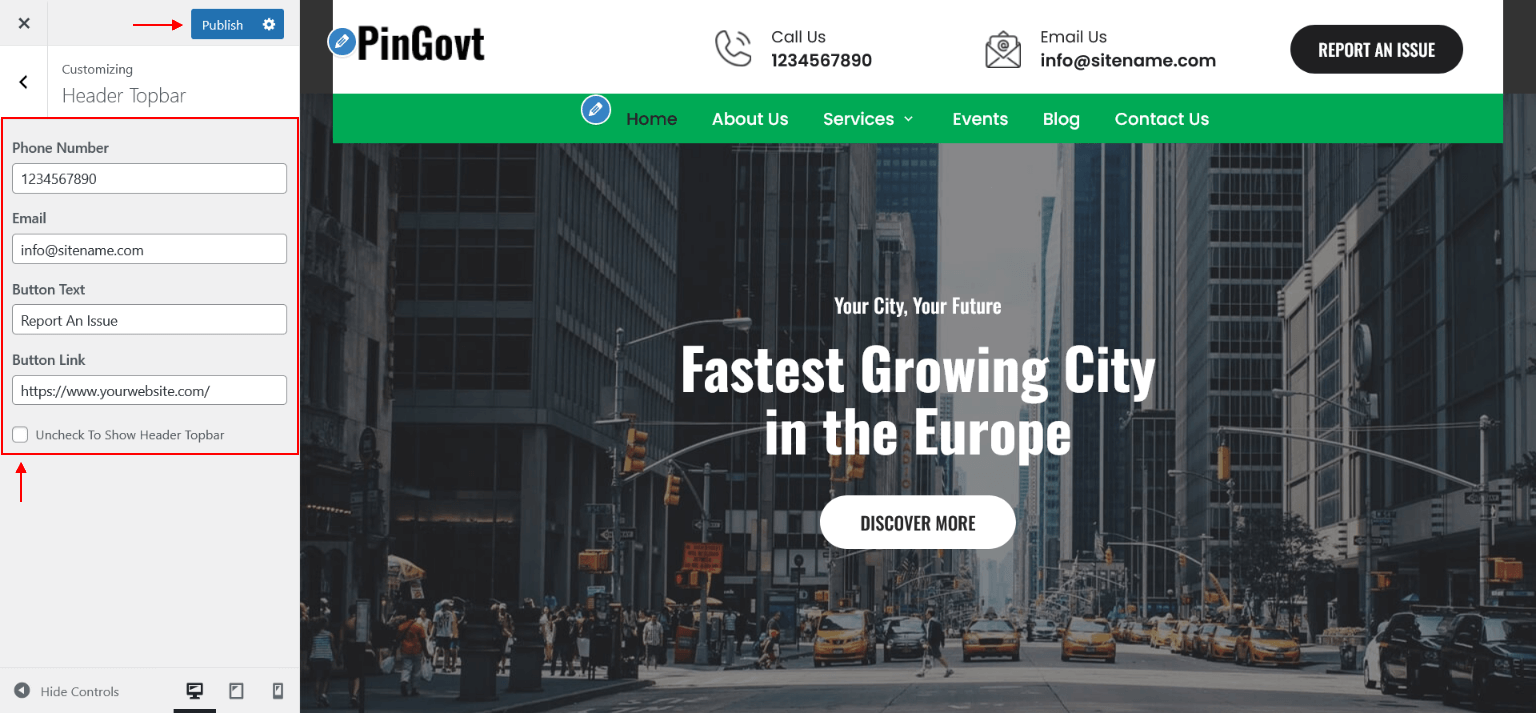
Header Topbar
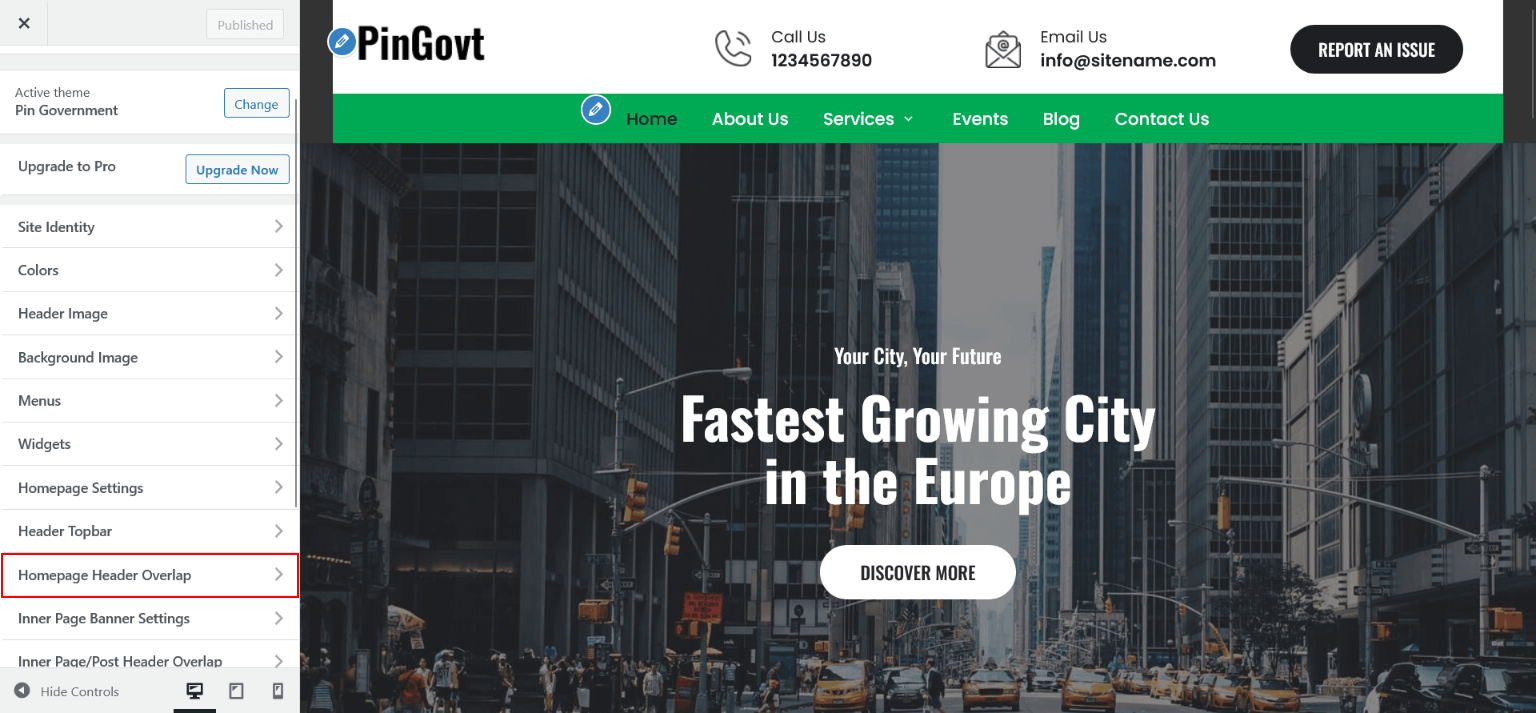
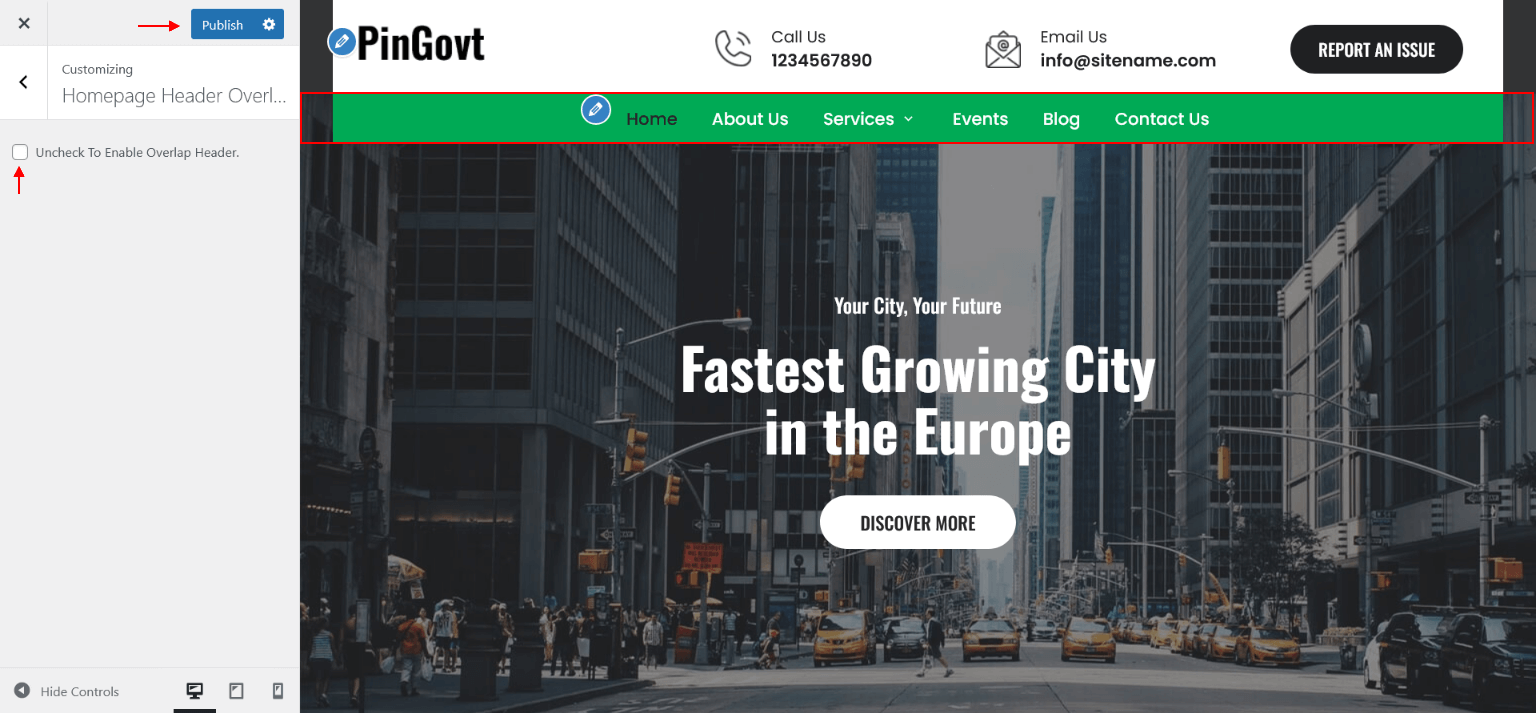
Header Overlap
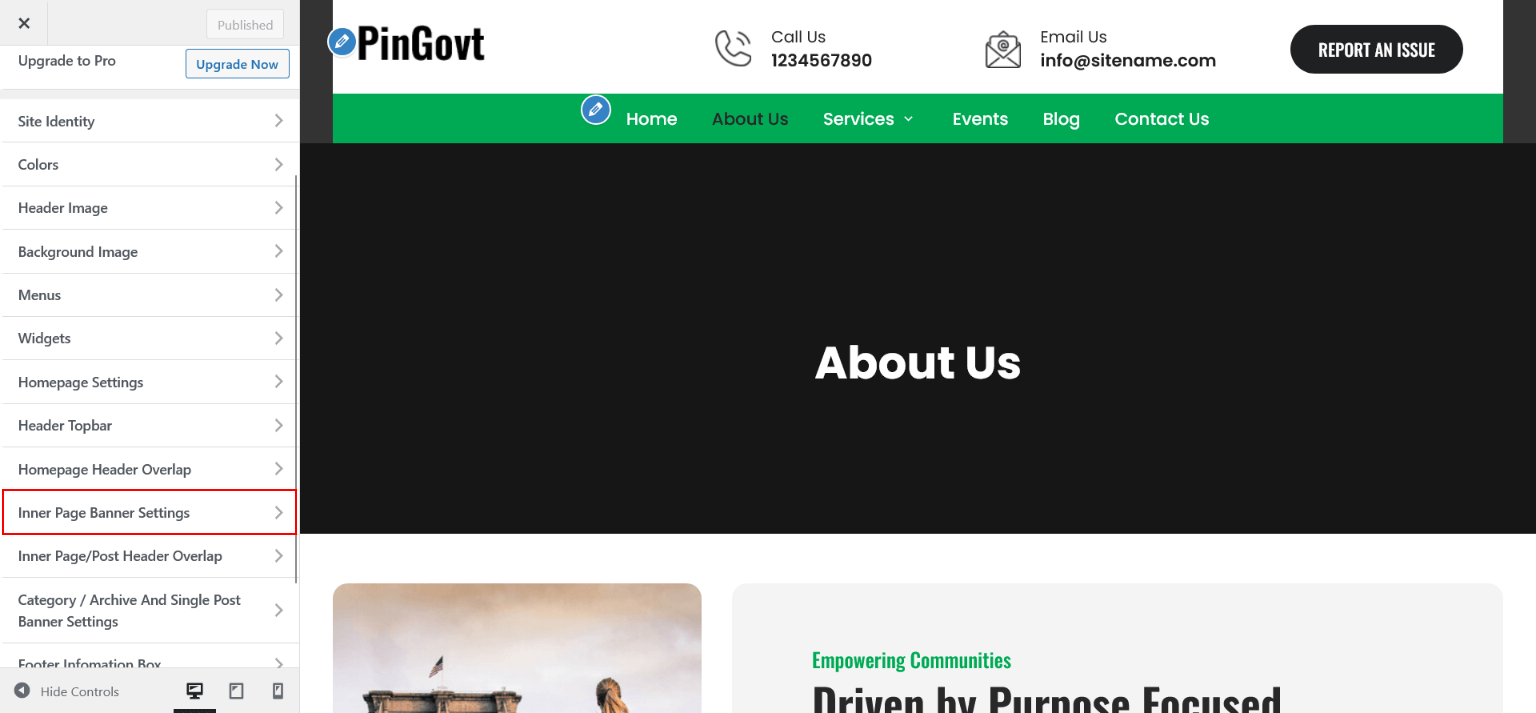
Inner Page Banner Settings
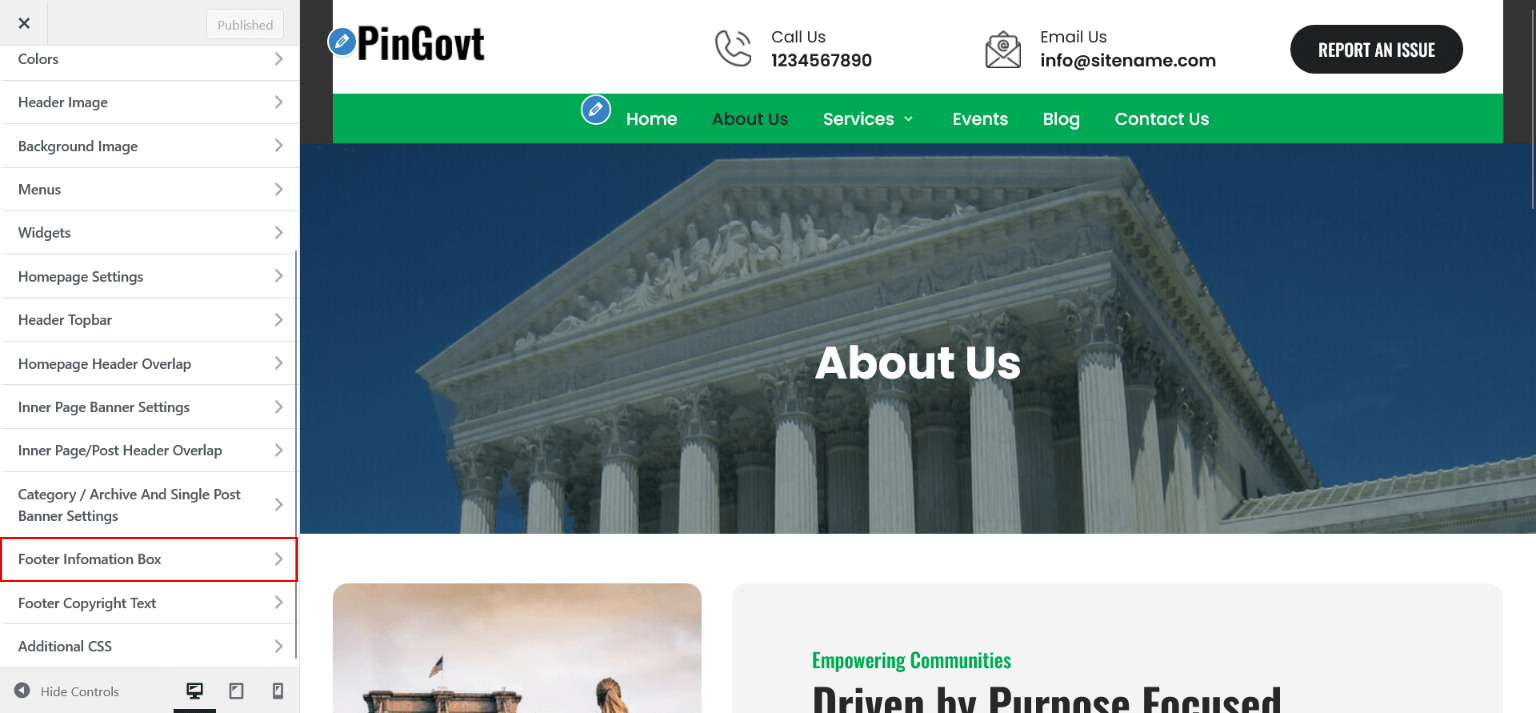
Footer Information Box